Back to Writing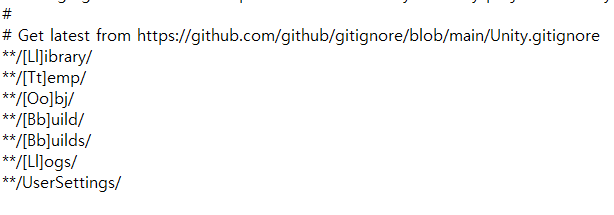
NOTESgitunityversion-control
Clearing .gitignore Cache in Unity Projects
February 26, 2023•Updated Feb 17, 2026
As shown in the image above, after modifying the .gitignore file in Unity,
if you're using a program like TortoiseGit to manage your Unity project's version control,
files or folders that shouldn't be tracked may still be tracked.
In this case, after modifying the .gitignore file,
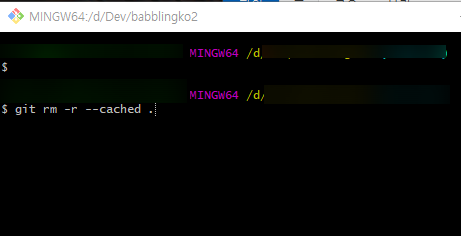
git rm -r --cached .
you need to clear the cache once using the command above.
After applying the changes through a commit, git tracking will be properly removed.